Copy, scan and print

Copy, scan and print

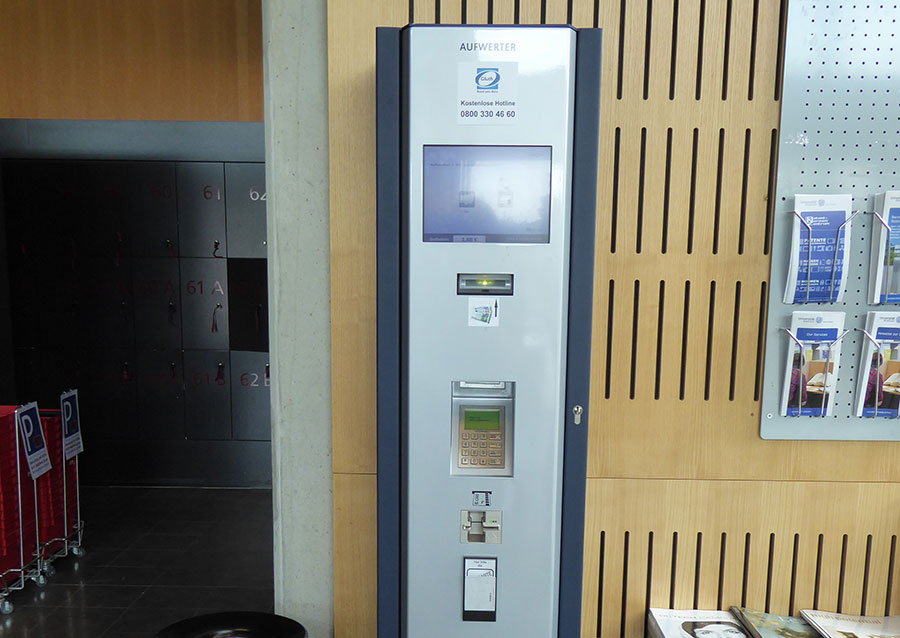
Machines for printing, copying and scanning are available for members of the University of Rostock and for private citizens at all library locations. A copy card is required to use the machines, which students and staff can get at the IT and Media Centre of the University of Rostock. Private citizens can purchase copy cards from the machines in the Campus Library Südstadt and the Education, History and Antiquity Library. After registering at one of the devices in the UNI Rostock printing/copying system, money can be loaded onto the card. There are charging stations for this purpose in the Campus Library Südstadt and in the main university building. 

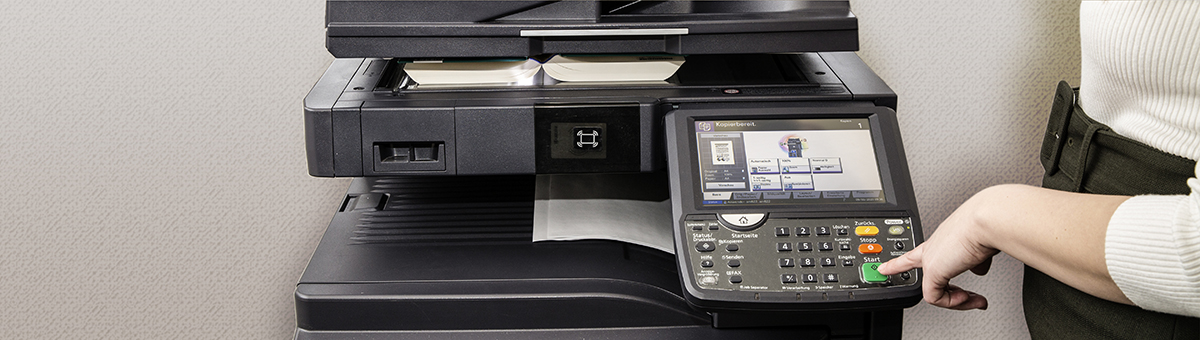
Copying and scanning can be done directly on the machine. The scans can then be downloaded from the university printer web client. To print, upload a document to the university printer web client and then print it on the machine. Members of the University of Rostock can also print a document from library computers by selecting the "UNI Printer" during the printing process. The document will then appear in the machine's print jobs. 

Coin-operated photocopiers are available for all users at three locations.


FAQ

For members of the University of Rostock

Smart cards can only be issued to staff and students with a valid and activated University of Rostock user account and should be requested via the smart card portal.
The cards are posted by the IT and Media Centre (ITMZ).

You can register directly at a multifunction device in the University of Rostock’s printing/copying system.
Select the "Log in with PIN" option. In the input field, first enter your username (user ID, e.g., ab1234) and then the full card number without spaces, e.g., ab12340005678.

Once you have registered, you can top up your card. This can only be done via cashless payment at the designated terminals. You can find the terminals at the following locations:

  • Main Building, Am Universitätsplatz 1, Ground Floor, Room 020 (next to machine no. 78)
  • Campus Library Südstadt, Albert-Einstein-Str. 6, 1st floor, Room 120

Print jobs can be uploaded via a web client. Access the web client and select the "Log in with PIN" option. In the input field, first enter your username (user ID, e.g., ab1234) and then your full card number without spaces (e.g., ab12340005678). You can then retrieve the print jobs on the multi-function devices using your chip card.

Alternatively, documents can be printed directly from a library computer by selecting "UNI Drucker" during the printing process. UNI Drucker is also available on your own devices via the application server. The document will then appear in the multi-function-device’s print queue.

At the coin-operated copiers, you also have the option to print directly from a USB flash drive.

Please follow the instructions on the ITMZ "Anleitungen" page on how to install the university printers.
If you are working on the application server, you are automatically logged in with your user ID, and all printer drivers are already installed.

After using the scan function, the files can be downloaded from the web client within 72 hours.
Please note: The documents will be automatically deleted after 72 hours!

Prices and locations of the freely accessible printers can be found on the ITMZ page  "Standorte/Preise/Aufladen" (in German).
Please note that color printers automatically print in color unless you select "Black and White" on the touch panel before printing! 

Information about registration and passwords can be found on the ITMZ page "Passwort im Drucksystem" (in German).
The company Gluth is responsible for service, technical issues and questions: 
03841 263540 | info@gluth-buero.de

For private citizens

Coin-operated machines are available at the following University Library locations:

  • Campus Library Südstadt (1st floor, Room 120)
  • Library for Education, History, and Antiquity (1st floor, Room 1030)
  • Library for Linguistics and Literary Studies (ground floor)

With exact change, you can use the coin-operated machines to make copies and print directly from a USB drive.

Private citizens can buy a guest copy card for a 10-euro note at the vending machine in the Campus Library Südstadt or the Library for Education, History and Antiquity. Please note: Only exact change is accepted. The card itself costs 3 euros and includes 7 euros in credit.
The username can be found on the card (e.g., Guest2876). It is ready for use immediately.

To print, you need to upload a document to the web client. Please select the “Log in with PIN” option. In the input field, first enter your username (e.g., Guest2876) and then your full card number without spaces (e.g., Guest287600345678).
You can then retrieve the print jobs at the copiers using your copy card.

After using the scan function, the files can be downloaded from the web client within 72 hours. 
In the input field, first enter your username (e.g., Guest2876) and then your full card number without spaces (e.g., Guest987600345678).
Please note: The scans will be automatically deleted after 72 hours!

You can add credit to your guest card at any time. This can only be done via cashless payment at the designated terminals located at the following sites:

  • Main Building, Am Universitätsplatz 1, Ground Floor, Room 020 (next to machine no. 78)
  • Campus Library Südstadt, Albert-Einstein-Str. 6, 1st floor, Room 120

Press the Home button to access the "Karte aufladen" (top up card) field, where you can select the amount you wish to add. Payment is then made at the top-up terminal.

Prices and locations of the freely accessible printers can be found on the page of the IT and Media Centre (ITMZ) "Standorte/Preise/Aufladen" (in German).
Please note that color printers automatically print in color unless you select "Black and White" on the touch panel before printing!

Information about registration and passwords can be found on the ITMZ page "Passwort im Drucksystem" (in German).
The company Gluth is responsible for service, technical issues and questions: 
03841 263540 | info@gluth-buero.de


Overview of Equipment at the Library Locations

Campus Library Südstadt

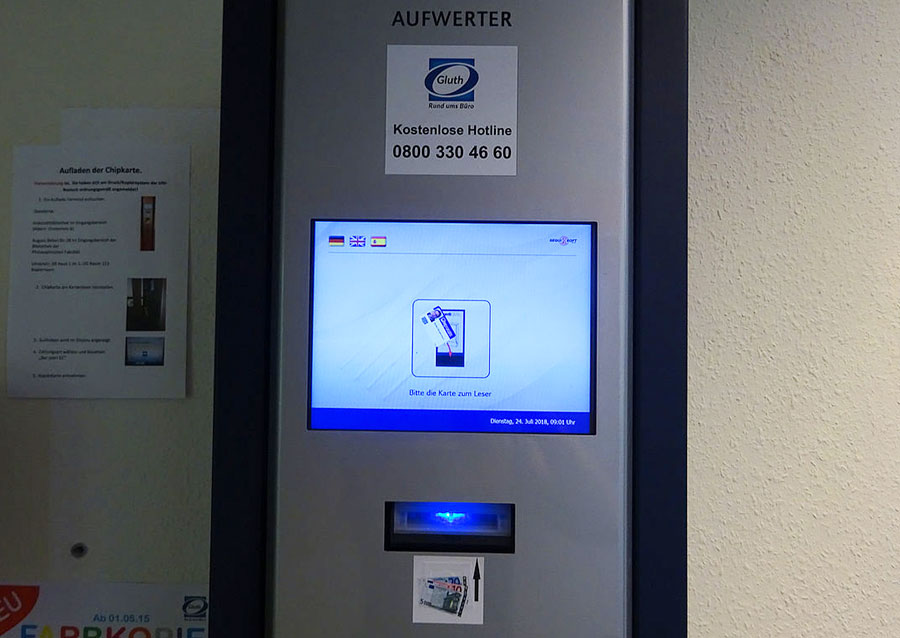
Copy card charger

Topping up your copy card credit

You can recharge your copy card using the charging unit on the first floor, next to the lift in the printer room. The minimum recharge amount for the card is 5 Euros.


Further information about Campus Library Südstadt
Copiers

Copiers

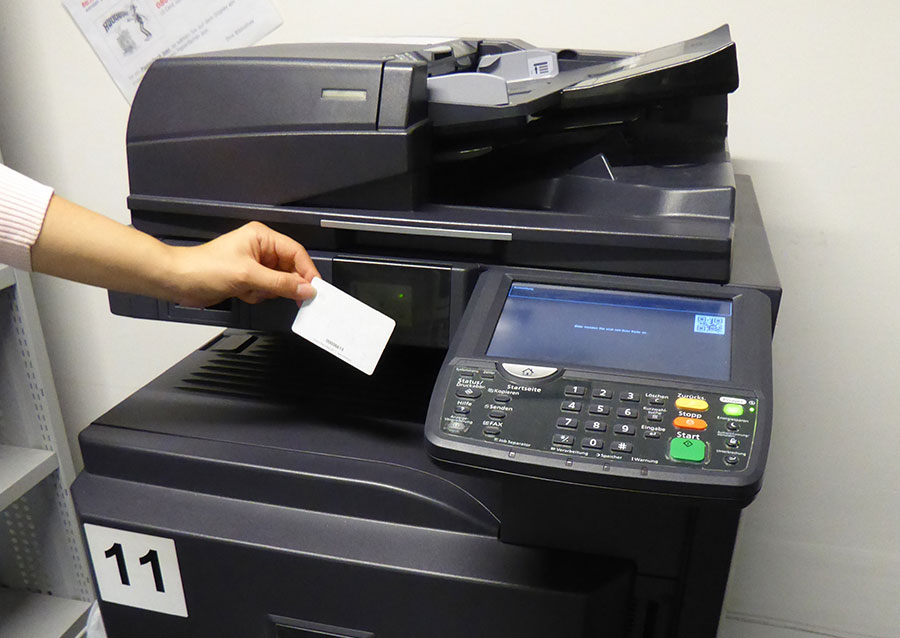
The Campus Library has three colour copiers and one black-and-white copier. In addition, there is a coin-operated copier on the first floor in the printer room next to the elevator. The coin copier only accepts exact change. You can only use this machine to copy, not to print. The other machines can be used for printing, scanning and copying. They are operated with the copy card and are located in the printer rooms on the 1st and 3rd floor, as well as in the compact shelves on the 1st floor. The black-and-white copier is located in the compact shelves on 2nd floor.

Further information about Campus Library Südstadt
Obtaining a copy card

Obtaining a copy card

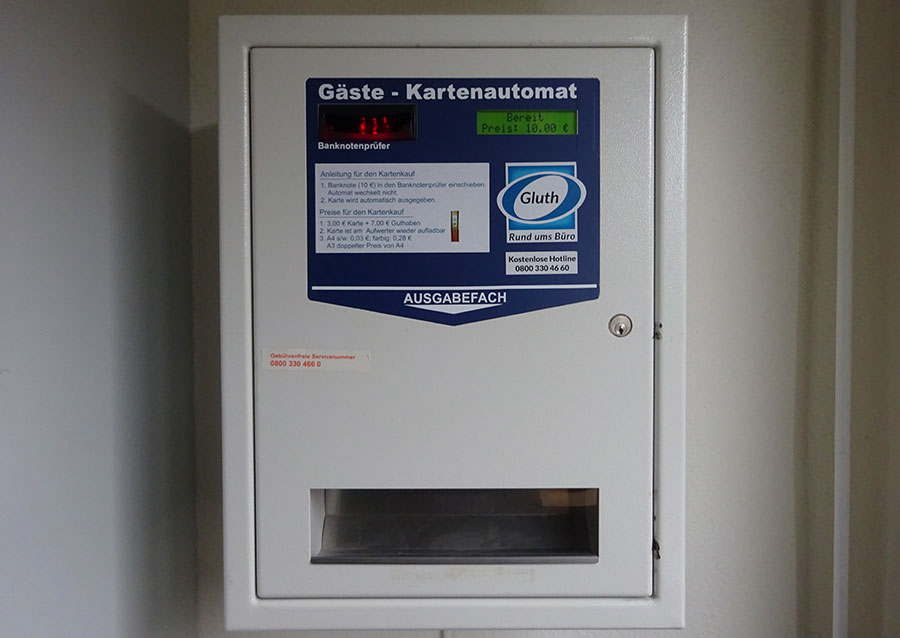
Readers who are not members of the University can buy a copy card using the vending machine in the lobby. The card costs €10, of which €7 is stored credit. The card can only be paid for with a €10 banknote. You can use the guest card to photocopy, scan and also print via a web client. Once the credit has been used up, the card can be topped up cashlessly at one of the top-up machines.

Further information about Campus Library Südstadt


Education, History and Antiquity Library
Copiers

Copiers

A black-and-white coin-operated copier and a color copier are located on the first floor in room 1030. The coin-operated copier only accepts the correct amount of money and is not connected to the server. Therefore, you can only use this machine to copy, not to print. Additional black-and-white copiers are available on floors 5 and 7.

Further information on the Education, History and Antiquity Library

Obtaining a copy card

Obtaining a copy card

Patrons who are not members of the University of Rostock can buy a copy card. The vending machine is located in the entrance area of the library in room 1018. The card costs €10, of which €7 is stored credit. The card can only be paid for with a €10 banknote. You can use the guest card to photocopy, scan and also print via a web client. Once the credit has been used up, the card can be topped up cashlessly at one of the top-up machines.

Further information about Campus Library Südstadt


Linguistics and Literary Studies Library
Copiers

Copiers

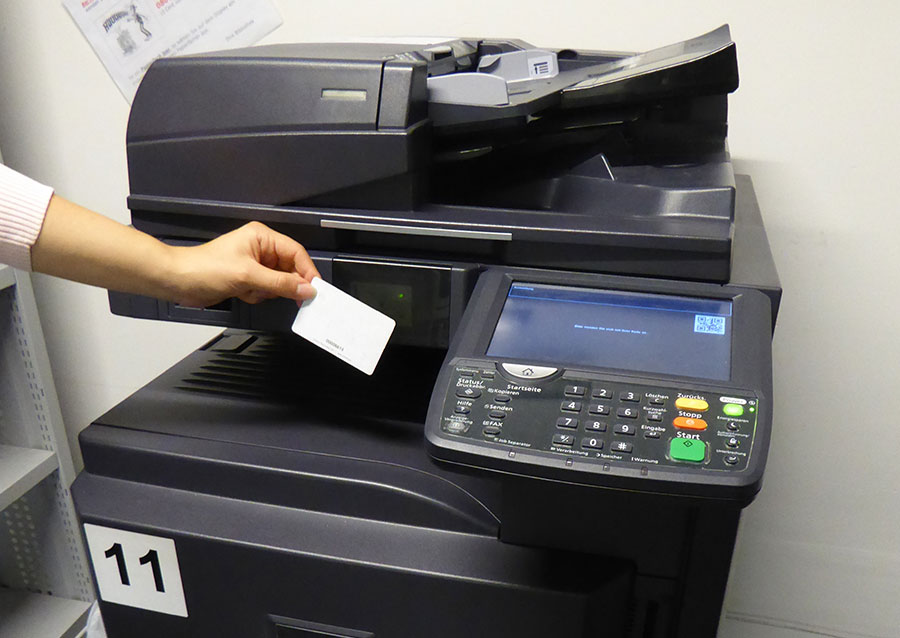
The library has two black and white copiers and a coin-operated copier. The latter only accepts the correct amount of money and is not connected to the server. Therefore, you can only use this machine to copy, not to print.

Further information on the Linguistics and Literary Studies Library


Theology and Philosophy Library
Copiers

Copiers

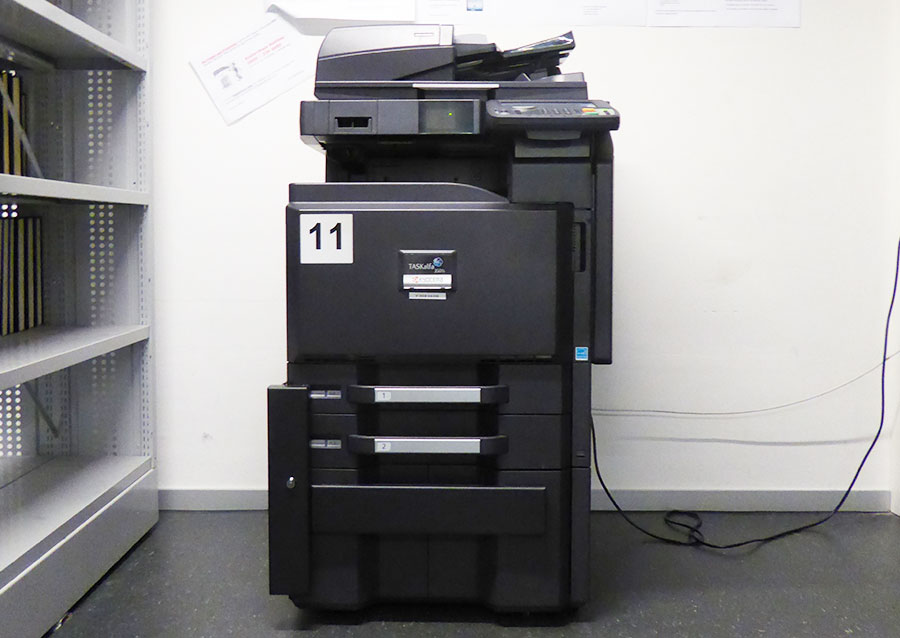
A black and white copier and a colour copier are available on the first floor for printing, copying and scanning.


Further information on the Theology and Philosopy Library